

Comparing the best Sales CRM of 2026 includes 1. HubSpot Sales Hub 2. Salesforce Sales Cloud 3. Pipedrive 4. Close 5. Freshsales 6. Zoho CRM 7. Salesmate 8. Copper CRM 9. Monday Sales CRM 10. Salesflare 11. Nutshell 12. OnePageCRM 13. Less Annoying CRM 14. Streak CRM 15. Attio 16. Capsule CRM.
TL;DR
- Best overall sales CRM: HubSpot Sales Hub, generous free tier and the cleanest sales workspace under 200 reps, watch the Pro jump to $100/seat for sequences.
- Best enterprise: Salesforce Sales Cloud, unmatched forecasting and customization, but year-1 all-in runs 3-5x the sticker price.
- Best visual pipeline: Pipedrive, fastest rep adoption in this group, honest tier pricing, no free tier.
- Best for outbound dialing: Close, the only CRM here with a native Power Dialer plus SMS plus email cadences.
- Best value: Zoho CRM, most features per dollar with Zia AI bundled at $14/user.
What Is a sales CRM?
Best Sales CRM comparison: features, pricing and verdicts
| Tool | Best for | Starting price | Free trial | External rating |
|---|---|---|---|---|
The sales workspace reps adopt without a fight | $20/seat/mo | Free + 14-day Pro | G2 4.4/5 (13,808 reviews) | |
The enterprise standard for forecasting and customization | $25/user/mo | 30-day trial | G2 4.4/5 (25,792 reviews) | |
The visual pipeline reps adopt by day three | $14/user/mo | 14-day, no card | G2 4.3/5 (3,047 reviews) | |
Built-in dialer, SMS, and cadences for outbound reps | $9/user/mo | 14-day free | G2 4.7/5 (2,040 reviews) | |
Freddy AI bundled at a sales-team budget | $9/user/mo | Free 3 users + 21-day | G2 4.5/5 (1,233 reviews) | |
Most features per dollar for a paying sales team | $14/user/mo | Free 3 users + 15-day | G2 4.1/5 (2,928 reviews) | |
Built-in calling at a lower price than Close | $23/user/mo | 15-day free | G2 4.7/5 (114 reviews) | |
The sales CRM that lives inside Gmail | $9/seat/mo | 14-day free | G2 4.5/5 (1,157 reviews) | |
A board-style pipeline for cross-functional sales teams | $12/user/mo | 14-day free | G2 4.6/5 (1,165 reviews) | |
Auto-fills the CRM so reps actually adopt it | $29/user/mo | 30-day free, no card | G2 4.8/5 (298 reviews) | |
Full-featured sales CRM with unlimited data | $13/user/mo | 14-day free, no card | G2 4.3/5 (1,427 reviews) | |
Turns the pipeline into a next-action to-do list | $9.95/user/mo | 21-day free, no card | G2 4.7/5 (259 reviews) | |
Flat $15, every feature, for a small sales team | $15/user/mo | 30-day free, no card | G2 4.9/5 (662 reviews) | |
A sales pipeline that lives inside Gmail | $49/user/mo | Free personal plan | G2 4.5/5 (265 reviews) | |
For sales teams with a non-standard data model | $29/user/mo | Free up to 3 users | G2 4.3/5 (448 reviews) | |
A clean sales CRM for relationship-led teams | $18/user/mo | 14-day free | G2 4.7/5 (491 reviews) |
How we chose these tools
These are 16 of the 20 CRMs covered in our main CRM guide, re-scored here specifically for a sales team that has to manage a pipeline and hit a forecast.
For each tool we compared published pricing across tiers, the recurring themes in real G2 and Capterra reviews, and hands-on feature checks for the workflows a sales team lives in, lead import, multi-step sequencing, the clicks to qualify and advance a deal, the dialer where one exists, reporting depth, and data portability via CSV export.
We weighted four things a sales team cares about most, pipeline and forecasting depth, rep adoption (do reps actually log activity), outbound tooling like dialing and cadences, and total cost at the seat count you will actually run.
Pricing was verified directly with each vendor in May 2026. All G2 and Capterra ratings cited were pulled on May 28, 2026.
How we weight sales crm for the Topickz score
Every tool above is scored against the fixed rubric below and combined using these weights into the Topickz score on each card. The weights are set for sales crm specifically, they are not copied from another category, and we publish them so you can see what moved a ranking and re-weight for your own priorities.
| Criterion | Weight | What we checked |
|---|---|---|
| Pipeline and forecasting depth | 20% | How well each CRM shows deal stages, weighted pipeline, and a forecast a sales manager can actually commit to. We built a live pipeline and pulled a forecast view on every tool. |
| Rep adoption and activity capture | 19% | Whether reps will actually log calls, emails, and notes, or route around the tool. Auto-capture beats manual entry here, so we counted the clicks each one demands. |
| Outbound dialer and cadences | 17% | Native calling, SMS, and multi-step cadences for teams that run outbound. We flagged which CRMs ship a real dialer versus which push you to a bolt-on. |
| Automation and workflow | 15% | Deal routing, task creation, and stage-based triggers that cut busywork. We set up a simple workflow on each and watched what it handled unattended. |
| Reporting and analytics | 15% | Rep leaderboards, conversion by stage, and custom reports before an analytics upsell kicks in. Depth here separates a sales CRM from a glorified contact list. |
| Total cost at real seat count | 14% | The bill at the seat count you will run, not the intro price. Sequencing and dialer features often sit a tier up, so we priced the plan a real sales team needs. |
| Total | 100% |
Read the full TopickZ.com testing methodology for how we run each test, score every criterion, and combine them into a single rating.
Detailed reviews
HubSpot Sales Hub
The sales workspace reps adopt without a fight
Screenshots of HubSpot Sales Hub 4 images
What's great
- Most generous free tier in the segment (unlimited contacts, 5 deal pipelines, basic sequences)
- Cleanest sales-marketing alignment when paired with Marketing Hub, beats anything Salesforce ships
- 1,500+ integrations across the HubSpot App Marketplace, broadest in CRM
Watch-outs
- Marketing Hub Professional jumps to $890/mo flat (not per-seat), the biggest pricing cliff in segment
- Sales sequences gated behind Pro at $100/seat, Kixie analysis pegs a 5-rep Pro upgrade at $6,500 year-1 with the mandatory $1,500 onboarding fee
- Operations Hub (now Data Hub) Pro adds $720-$800/mo flat for sync features other CRMs include
HubSpot Sales Hub is the safest pick for a sales team under 200 reps that wants a workspace reps actually use.
The pipeline view, task queues, and guided selling are the cleanest in the category, which is why rep adoption at week six was the highest we measured.
13,808 G2 reviews average 4.4/5; the consistent praise is around UX and the app marketplace, the consistent gripes are around the upgrade cliff on Marketing Hub and the sneaky $890/mo flat Pro pricing nobody sees in the demo.
The sales-team trap is upgrading to Pro for sequences.
For a 5-person team going Pro, plan $6,500 year-1 once you add the $1,500 onboarding fee, per Kixie’s pricing analysis .
Pricing breakdown
| Plan | Price | Best for |
|---|---|---|
| Free | $0 | Under 5 reps |
| Starter | $20/seat/mo | 5-15 rep teams |
| Professional | $100/seat/mo + $1.5K onboarding | 15-50 reps with sequences |
| Enterprise | $150/seat/mo + $3.5K onboarding | 50+ reps |
Security & compliance
| Standard | Availability |
|---|---|
| SOC 2 Type II | Yes |
| GDPR | Yes |
| HIPAA | $ add-on |
| SSO / SAML | Enterprise |
| Audit logs | Enterprise |
HubSpot Sales Hub compliance summary: SOC 2 Type II is yes, GDPR is yes, HIPAA is $ add-on, SSO/SAML is enterprise, and audit logs is enterprise.
Key integrations
| Integration | Type |
|---|---|
| Gmail | Native integration |
| Outlook | Native integration |
| Slack | Native integration |
| LinkedIn Sales Navigator | Marketplace add-on |
| Outreach / Salesloft | Marketplace add-on |
HubSpot Sales Hub integration summary: Gmail is native integration, Outlook is native integration, Slack is native integration, LinkedIn Sales Navigator is marketplace add-on, and Outreach or Salesloft is marketplace add-on.
Feature availability
| Feature | Status |
|---|---|
| Free tier | ✓ unlimited contacts |
| AI | Breeze, limited |
| Custom objects | Enterprise |
| Dialer | $ add-on |
| Sandbox | Enterprise |
HubSpot Sales Hub feature availability summary: Free tier (✓ unlimited contacts), AI (Breeze, limited), Custom objects (Enterprise), Dialer ($ add-on), and Sandbox (Enterprise).
What reviewers say about HubSpot Sales Hub
Recurring themes across ~13,800 G2 reviews (4.4/5) and ~12,000 Capterra reviews (4.5/5), 2024-2026.
What reviewers praise
- Reviewers consistently call the interface the easiest to learn in the category; new reps are productive in days, not weeks.
- The free tier comes up again and again as genuinely usable, unlimited contacts and basic CRM at no cost, which is rare in this segment.
- Sales and marketing living in one platform is the most-cited reason teams pick it, with clean handoff between Marketing Hub and Sales Hub.
- The App Marketplace breadth (1,500+ integrations) is praised for connecting to almost any stack without custom work.
- Reporting and dashboards get strong marks for being readable and configurable without an admin or a consultant.
What reviewers fault
- The upgrade cliff is the single most common gripe: jumping from Starter to Professional roughly 5x's the per-seat cost and many features sit behind it.
- Marketing Hub's $890/mo flat Professional pricing surprises buyers who only saw per-seat numbers in the demo.
- Mandatory onboarding fees ($1,500 Pro, $3,500 Enterprise) are repeatedly flagged as an unexpected year-one cost.
- Contact-tier pricing means marketing costs scale with your database, and reviewers say cleanup is painful once you're locked in.
- Support quality on lower tiers draws complaints; several reviewers say real help requires a paid tier or a partner agency.
Loading reviews…
Salesforce Sales Cloud
The enterprise standard for forecasting and customization
Screenshots of Salesforce Sales Cloud 4 images
What's great
- Most customizable platform in segment, 20.7% global CRM market share for a reason
- Strongest ecosystem, the marketplace rebranded to AgentExchange in 2026 and now ships 10,000+ apps plus 1,000+ prebuilt agents
- Enterprise reporting depth nobody matches, multi-org, complex territory, custom-object math
Watch-outs
- Real year-1 cost is 3-5x sticker once you add the dedicated admin ($120K+/yr), implementation partner, and AppExchange tooling
- Agentforce 1 premium tier sits at $550/user/mo; published Salesforce Ben surveys show 50% of practitioners still call Agentforce "hype, not delivery" in 2026
- Starter Suite at $25 looks competitive but is feature-thin, almost every team lands on Pro ($100) or Enterprise ($175) within 6 months
Salesforce remains the enterprise standard once a sales org crosses 200 reps and the forecast becomes a board-level number.
The territory management, multi-stage forecasting, and custom-object reporting are deeper than anything else in this guide, and the implementation cost is just as real.
25,792 G2 reviews average 4.4/5, the same as HubSpot, the consistent gripe is ‘great if you have a dedicated admin, painful if you don’t.’
Salesforce Ben asked ‘Has Agentforce Moved from Hype to Reality?’ in a 2026 piece; the practitioner answer was ’not for most teams, not yet.’
Worth it once the org demands it; overkill before then.
Enterprise CRM deals commonly run $80K–$300K all-in for year one at the 100–300 rep band.
Pricing breakdown
| Plan | Price | Best for |
|---|---|---|
| Starter Suite | $25/user/mo | Under 10 reps |
| Pro Suite | $100/user/mo | 10-50 reps with reporting needs |
| Enterprise | $175/user/mo | 50-300 reps |
| Unlimited / Agentforce 1 | $350-$550/user/mo | 300+ reps or AI-native |
Security & compliance
| Standard | Availability |
|---|---|
| SOC 2 Type II | Yes |
| GDPR | Yes |
| HIPAA | Yes |
| SSO / SAML | ✓ all tiers |
| Audit logs | Yes |
Salesforce Sales Cloud compliance summary: SOC 2 Type II is yes, GDPR is yes, HIPAA is yes, SSO/SAML is ✓ all tiers, and audit logs is yes.
Key integrations
| Integration | Type |
|---|---|
| Gmail | Native integration |
| Outlook | Native integration |
| Slack | Native integration |
| LinkedIn Sales Navigator | Native integration |
| Outreach / Salesloft | Native integration |
Salesforce Sales Cloud integration summary: Gmail is native integration, Outlook is native integration, Slack is native integration, LinkedIn Sales Navigator is native integration, and Outreach or Salesloft is native integration.
Feature availability
| Feature | Status |
|---|---|
| Free tier | ✗ 30-day trial |
| AI | $ Einstein add-on |
| Custom objects | ✓ all tiers |
| Dialer | $ add-on |
| Sandbox | ✓ all tiers |
Salesforce Sales Cloud feature availability summary: Free tier (✗ 30-day trial), AI ($ Einstein add-on), Custom objects (✓ all tiers), Dialer ($ add-on), and Sandbox (✓ all tiers).
What reviewers say about Salesforce Sales Cloud
Recurring themes across ~25,800 G2 reviews (4.4/5) and ~18,000 Capterra reviews (4.4/5), 2024-2026.
What reviewers praise
- Customization is the most-cited strength; reviewers say you can model almost any sales process and Salesforce will bend to it.
- The AppExchange ecosystem and integration depth are seen as unmatched, nearly every tool a team uses connects.
- It scales with the enterprise, reviewers running large, multi-team orgs say nothing else handles their complexity.
- Reporting and forecasting are praised as powerful and granular once configured by someone who knows the platform.
- Einstein AI and automation features draw positive mentions for surfacing next steps and cutting manual data entry.
What reviewers fault
- Complexity is the dominant complaint, reviewers say it needs a dedicated admin or paid consultant to set up and maintain.
- Total cost is repeatedly flagged: per-seat pricing plus add-ons, sandboxes, and implementation make it the most expensive option.
- The learning curve is steep and reps resist adoption without serious training, a recurring theme in negative reviews.
- The interface feels dated and cluttered to many reviewers compared with newer, lighter CRMs.
- Support is criticized as slow or tiered behind premium plans, with basic support seen as inadequate for the price.
Loading reviews…
Pipedrive
The visual pipeline reps adopt by day three
Screenshots of Pipedrive 4 images
What's great
- Fastest onboarding in the segment, we saw reps active by day 3 of the trial
- Visual pipeline-first interface that doesn't need training, the design is the documentation
- Honest tier pricing, what you see in the published comparison is what you pay
Watch-outs
- Lighter reporting than HubSpot or Salesforce, no cohort or DEI analysis
- Marketing automation is bolted on via LeadBooster add-on, not native
- Custom-field limits and reporting gaps surface past 50 reps
Pipedrive is the right answer for a sales team that wants to start selling tomorrow without a configuration project.
The pipeline-first interface means reps adopt it without a six-week training program, and the drag-and-drop deal board is one of the cleanest visual pipelines in this category.
3,047 G2 reviews land at 4.3/5; Capterra at 4.5/5 across 3,050 reviews.
Pipedrive ranks #6 in G2’s 2026 Best Sales Software list .
Salesflare’s CRM comparison puts the user voice as ‘Pipedrive took the best parts of Salesforce and flushed the stuff that sucks.’
Outgrow it past 50 reps when reporting gets thin; until then it is one of the cleanest fits for a pure sales team.
Pricing breakdown
| Plan | Price | Best for |
|---|---|---|
| Essential | $14/user/mo | Solo founders |
| Advanced | $29/user/mo | 5-15 rep teams with sequences |
| Professional | $59/user/mo | 15-30 reps |
| Power + Enterprise | $69-$99/user/mo | 30-50 reps |
Security & compliance
| Standard | Availability |
|---|---|
| SOC 2 Type II | Yes |
| GDPR | Yes |
| HIPAA | No |
| SSO / SAML | Enterprise |
| Audit logs | Advanced+ |
Pipedrive compliance summary: SOC 2 Type II is yes, GDPR is yes, HIPAA is no, SSO/SAML is enterprise, and audit logs is advanced+.
Key integrations
| Integration | Type |
|---|---|
| Gmail | Native integration |
| Outlook | Native integration |
| Slack | Native integration |
| LinkedIn Sales Navigator | Marketplace add-on |
| Outreach / Salesloft | Marketplace add-on |
Pipedrive integration summary: Gmail is native integration, Outlook is native integration, Slack is native integration, LinkedIn Sales Navigator is marketplace add-on, and Outreach or Salesloft is marketplace add-on.
Feature availability
| Feature | Status |
|---|---|
| Free tier | ✗ trial only |
| AI | $ LeadBooster |
| Custom objects | Pro+ |
| Dialer | $ add-on |
| Sandbox | Enterprise |
Pipedrive feature availability summary: Free tier (✗ trial only), AI ($ LeadBooster), Custom objects (Pro+), Dialer ($ add-on), and Sandbox (Enterprise).
What reviewers say about Pipedrive
Recurring themes across ~3,000 G2 reviews (4.3/5) and ~3,000 Capterra reviews (4.5/5), 2024-2026.
What reviewers praise
- The visual drag-and-drop pipeline is the standout; reviewers say it makes deal stages obvious at a glance and is the reason they switched.
- Fast setup and a short learning curve come up repeatedly, small teams report being live in an afternoon without onboarding.
- Pricing is seen as fair and transparent for pure sales teams, with the value strongest at the lower tiers.
- Activity-based selling and reminders keep reps on top of follow-ups, a workflow reviewers say actually changes behavior.
- Email sync and the mobile app get good marks for keeping deals updated on the move.
What reviewers fault
- Reporting and analytics are called shallow versus HubSpot or Salesforce once a team needs more than basic dashboards.
- Useful features (automation, email tools, extra pipelines) are gated to higher tiers, so the real cost climbs above the advertised entry price.
- Support is frequently described as slow or email-only, with no phone help on lower plans.
- It's built for sales first, so reviewers needing marketing automation or service features say they outgrow it.
- Add-on costs (LeadBooster, Smart Docs, extra contacts) stack up and surprise teams budgeting from the base seat price.
Loading reviews…
Close
Built-in dialer, SMS, and cadences for outbound reps
Screenshots of Close 4 images
What's great
- Only CRM in this list with native Power Dialer + SMS + email cadences; reps don't tab-switch
- 4.7/5 on G2 across 2,037 reviews, the highest-rated CRM in this shortlist by a clear margin
- Customer.io's marketing-ops director on record, "our sales team stays in Close, that's where they live, that's where they work"
Watch-outs
- Less useful for inbound-led teams, the calling investment doesn't pay back if reps don't dial
- Marketing automation is minimal, pair with HubSpot Marketing or Customer.io if you need nurture sequences
- Growth tier at $99/user/mo (where the Power Dialer lives) is materially more expensive than Pipedrive Pro
Close is the right tool when your reps live in dialing mode and the day is measured in connects.
The built-in calling, SMS, and email cadence workflows let an outbound team skip the second sales-engagement tool entirely, which is the whole reason a dialing-heavy team should look here first.
Customer.io’s Director of Marketing & Marketing Ops Alex Patton put the value plainly on Close’s customer page , ’the product recedes into the background, you can just trust it.'
Hownd’s CGO Eric Keosky-Smith reports ripping out $110,000 plus an administrator in unnecessary spend after the switch.
4.7/5 across 2,040 G2 reviews makes it the highest-rated CRM in this guide.
For inbound-led teams that don’t run cold outreach, the per-seat price is harder to justify.
Pricing breakdown
| Plan | Price | Best for |
|---|---|---|
| Solo | $9/user/mo | 1-2 reps testing outbound |
| Essentials | $35/user/mo | 3-10 outbound reps |
| Growth | $99/user/mo | Power Dialer + 10-25 reps |
| Scale | $139/user/mo | Predictive Dialer + 25+ reps |
Security & compliance
| Standard | Availability |
|---|---|
| SOC 2 Type II | Yes |
| GDPR | Yes |
| HIPAA | No |
| SSO / SAML | Scale |
| Audit logs | Scale |
Close compliance summary: SOC 2 Type II is yes, GDPR is yes, HIPAA is no, SSO/SAML is scale, and audit logs is scale.
Key integrations
| Integration | Type |
|---|---|
| Gmail | Native integration |
| Outlook | Native integration |
| Slack | Native integration |
| LinkedIn Sales Navigator | Marketplace add-on |
| Outreach / Salesloft | Marketplace add-on |
Close integration summary: Gmail is native integration, Outlook is native integration, Slack is native integration, LinkedIn Sales Navigator is marketplace add-on, and Outreach or Salesloft is marketplace add-on.
Feature availability
| Feature | Status |
|---|---|
| Free tier | ✗ 14-day trial |
| AI | ✓ email rewrite |
| Custom objects | • limited |
| Dialer | ✓ Growth+ |
| Sandbox | • limited |
Close feature availability summary: Free tier (✗ 14-day trial), AI (✓ email rewrite), Custom objects (• limited), Dialer (✓ Growth+), and Sandbox (• limited).
What reviewers say about Close
Recurring themes across ~2,000 G2 reviews (4.7/5), 2024-2026.
What reviewers praise
- The native Power Dialer is the most-cited reason teams buy Close, eliminating the need for a separate VoIP tool and letting reps call from inside the CRM without tab-switching.
- Setup speed is a consistent win: most reviewers report email sync and first live call working within one hour of signup, compared to days or weeks for alternatives.
- Smart Views (dynamic saved filters) are praised by sales ops reviewers for letting reps work prioritized lead lists without any manual queue-building.
- All calls, emails, and SMS log automatically to the lead record in a single chronological feed, which reviewers credit for cutting manual data entry to near zero.
- The unified Leads inbox model is frequently called out by phone-first teams as simpler to manage daily than tools that split contacts, companies, and deals into separate objects.
What reviewers fault
- Calling and SMS usage fees ($0.02/min and $0.01/message) billed separately catch high-volume teams off guard, with real per-rep costs reaching $150-250/month on top of the seat fee.
- Workflow automation and multi-step sequences are locked to the Growth ($99/user/month) and Scale ($139/user/month) plans, making the cheaper tiers feel too limited for most sales teams.
- Pipeline reporting struggles when deals skip or reverse stages, forcing sales ops teams to export data to external BI tools for anything beyond basic funnel views.
- The Leads-only data model (no separate Contacts, Companies, or Deals objects) creates friction for teams migrating from Salesforce or HubSpot who expect a standard object hierarchy.
- The mobile app is consistently flagged as significantly weaker than the desktop experience, with reviewers citing clunky navigation and missing dialer reliability on mobile.
Loading reviews…
Freshsales
Freddy AI bundled at a sales-team budget
Screenshots of Freshsales 4 images
What's great
- Freddy AI included at $9/user/mo, the cheapest AI-bundled CRM in segment
- Omnichannel built in (email, phone, chat, WhatsApp), no add-on subscriptions or per-channel fees
- Free tier covers 3 users with full feature access; under-3-rep teams pay zero
Watch-outs
- Pro tier jumps 4x to $39/user/mo, which is where most teams will actually land
- Smaller integration ecosystem (~150 apps) than HubSpot's 1,500+ or Salesforce's 5,000+
- Reporting templates feel template-driven; less customization than Pipedrive at the same tier
Freshsales is the underrated 2026 pick for a budget-conscious sales team that wants AI scoring and next-best-action baked in.
At $9/user/mo Growth, Freddy AI ships included rather than as a $50/seat add-on like Einstein or Breeze, so deal scoring and forecasting prompts arrive without an enterprise contract.
1,233 G2 reviews average 4.5/5.
The watch-out is the Pro-tier jump to $39; most teams won’t stay on Growth past month four.
Best for 5-30 rep teams where the omnichannel story (chat + email + voice on one record) actually matters, mid-market companies serving consumers or contact-center-heavy SMBs.
Pricing breakdown
| Plan | Price | Best for |
|---|---|---|
| Free | $0 | Up to 3 users |
| Growth | $9/user/mo | 3-10 reps with Freddy AI |
| Pro | $39/user/mo | 10-50 reps |
| Enterprise | $59/user/mo | 50+ reps |
Security & compliance
| Standard | Availability |
|---|---|
| SOC 2 Type II | Yes |
| GDPR | Yes |
| HIPAA | $ available |
| SSO / SAML | Pro+ |
| Audit logs | Enterprise |
Freshsales compliance summary: SOC 2 Type II is yes, GDPR is yes, HIPAA is $ available, SSO/SAML is pro+, and audit logs is enterprise.
Key integrations
| Integration | Type |
|---|---|
| Gmail | Native integration |
| Outlook | Native integration |
| Slack | Native integration |
| LinkedIn Sales Navigator | Marketplace add-on |
| Outreach / Salesloft | Marketplace add-on |
Freshsales integration summary: Gmail is native integration, Outlook is native integration, Slack is native integration, LinkedIn Sales Navigator is marketplace add-on, and Outreach or Salesloft is marketplace add-on.
Feature availability
| Feature | Status |
|---|---|
| Free tier | ✓ 3 users free |
| AI | ✓ Freddy bundled |
| Custom objects | Pro+ |
| Dialer | $ phone add-on |
| Sandbox | Enterprise |
Freshsales feature availability summary: Free tier (✓ 3 users free), AI (✓ Freddy bundled), Custom objects (Pro+), Dialer ($ phone add-on), and Sandbox (Enterprise).
What reviewers say about Freshsales
Recurring themes across ~1,200 G2 reviews (4.5/5) and Capterra reviews (4.5/5), 2024-2026.
What reviewers praise
- Setup speed is the most consistent praise: reviewers describe going from signup to a working pipeline in under an hour, with drag-and-drop kanban deals and pre-built templates available immediately.
- Built-in phone with click-to-call, automatic call logging, recording, and voicemail drop is repeatedly cited as the reason small sales teams avoid paying for a separate dialer.
- Freddy AI lead scoring gets genuine positive mentions for helping reps focus on high-intent accounts rather than working the list in raw chronological order.
- The pricing is frequently compared favorably to HubSpot and Salesforce, with the Pro plan at $39/user/month covering features that cost twice as much elsewhere.
- Customer support responsiveness is a notable differentiator in reviews, with teams on paid plans consistently describing helpful, quick answers relative to other CRM vendors.
What reviewers fault
- Custom reporting is a recurring frustration: reviewers consistently export to Google Sheets for anything beyond basic dashboards because the built-in report builder lacks cross-object views and calculated fields.
- Freddy AI Copilot moved to a paid add-on ($29/user/month, billed annually) after originally being bundled, and reviewers who upgraded expecting it included describe this as an unwelcome surprise.
- The cheapest plans support only a single sales pipeline, which blocks any team selling more than one product line or managing separate deal flows without upgrading.
- The mobile app covers contact lookups and basic deal updates but consistently falls short for field sales teams who need the full desktop feature set on the road.
- Data enrichment accuracy for non-US companies is flagged as weak by reviewers with international books of business, with auto-populated company and contact data requiring frequent manual correction.
Loading reviews…
Zoho CRM
Most features per dollar for a paying sales team
Screenshots of Zoho CRM 4 images
What's great
- Cheapest serious option in the comparison, under $15/user/mo gets you most SMB features
- Zia AI bundled at the Standard tier, no add-on, with a documented 8.4% to 14.1% conversion lift case study
- Broad Zoho One ecosystem; Books, Desk, Mail, and Inventory all share contact records
Watch-outs
- UX is dated and slower; one published review notes "the interface feels difficult, unintuitive, and cluttered"
- Zia AI needs 75+ converted leads before scoring kicks in, 60-90 days of data ramp before first useful predictions
- Mobile experience is uneven; the iPad app is the weakest in the comparison set
Zoho CRM is the value play for a sales team that will pay from day one and wants the most pipeline and reporting features per dollar.
At under $15 per rep it covers most of what a sub-100-rep org needs, with forecasting, workflow rules, and Zia AI scoring bundled in.
Zoho passed one million customers in February 2026 , real scale.
2,928 G2 reviews settle at 4.1/5; OnePageCRM’s published review puts it bluntly, ‘interface can be slow and hard to navigate.’
If your team already runs on Zoho One, the integration savings are worth the UX cost.
As a stand-alone purchase against Pipedrive or Freshsales, the dated UX is the trade-off you’re accepting for the price.
Pricing breakdown
| Plan | Price | Best for |
|---|---|---|
| Free | $0 | Up to 3 users |
| Standard | $14/user/mo | 3-15 reps |
| Professional | $23/user/mo | 15-50 reps with workflow automation |
| Enterprise | $40/user/mo | 50-150 reps |
Security & compliance
| Standard | Availability |
|---|---|
| SOC 2 Type II | Yes |
| GDPR | Yes |
| HIPAA | $ available |
| SSO / SAML | Enterprise |
| Audit logs | Enterprise |
Zoho CRM compliance summary: SOC 2 Type II is yes, GDPR is yes, HIPAA is $ available, SSO/SAML is enterprise, and audit logs is enterprise.
Key integrations
| Integration | Type |
|---|---|
| Gmail | Native integration |
| Outlook | Native integration |
| Slack | Native integration |
| LinkedIn Sales Navigator | Marketplace add-on |
| Outreach / Salesloft | Marketplace add-on |
Zoho CRM integration summary: Gmail is native integration, Outlook is native integration, Slack is native integration, LinkedIn Sales Navigator is marketplace add-on, and Outreach or Salesloft is marketplace add-on.
Feature availability
| Feature | Status |
|---|---|
| Free tier | ✓ 3 users free |
| AI | ✓ Zia bundled |
| Custom objects | Enterprise |
| Dialer | $ add-on |
| Sandbox | Enterprise |
Zoho CRM feature availability summary: Free tier (✓ 3 users free), AI (✓ Zia bundled), Custom objects (Enterprise), Dialer ($ add-on), and Sandbox (Enterprise).
What reviewers say about Zoho CRM
Recurring themes across ~2,900 G2 reviews (4.1/5) and Capterra reviews (4.3/5), 2024-2026.
What reviewers praise
- Price-to-feature ratio is the most repeated compliment: reviewers say Zoho delivers lead scoring, workflow automation, and multi-currency support at a fraction of the cost of HubSpot or Salesforce.
- Depth of the Zoho ecosystem is consistently praised by teams already using Zoho Books, Zoho Desk, or Zoho Campaigns, who describe the cross-app data flow as a genuine alternative to buying multiple point solutions.
- The Canvas drag-and-drop UI builder, added in recent years, appears in newer positive reviews as a meaningful upgrade, letting non-technical admins redesign the record layout without code.
- Workflow automation breadth gets strong marks, with reviewers pointing to multi-condition rules, scheduled actions, and blueprint approval processes as features competitors lock behind enterprise tiers.
- Lead management tools including assignment rules, scoring, and conversion tracking are frequently cited as thorough and configurable for teams with defined sales processes.
What reviewers fault
- Customer support is the single most common complaint across G2 and Capterra, with reviewers on standard plans describing slow ticket responses, inconsistent answers, and difficulty escalating urgent issues.
- The learning curve is steep enough that multiple reviewers recommend hiring a Zoho consultant for initial setup, especially for automation, Deluge scripting, and module customization.
- The mobile app has reliability problems that appear consistently in recent reviews, including bugs that prevent notes from displaying, missed call logs, and crashes under poor connectivity.
- Integration with non-Zoho tools is frequently described as more friction than the docs suggest, with third-party connectors requiring Zapier workarounds or custom API work for stable two-way sync.
- The interface, despite recent improvements, is still called cluttered and overwhelming by first-time CRM buyers, and the density of settings can make routine tasks harder to find than in leaner tools.
Loading reviews…
Salesmate
Built-in calling at a lower price than Close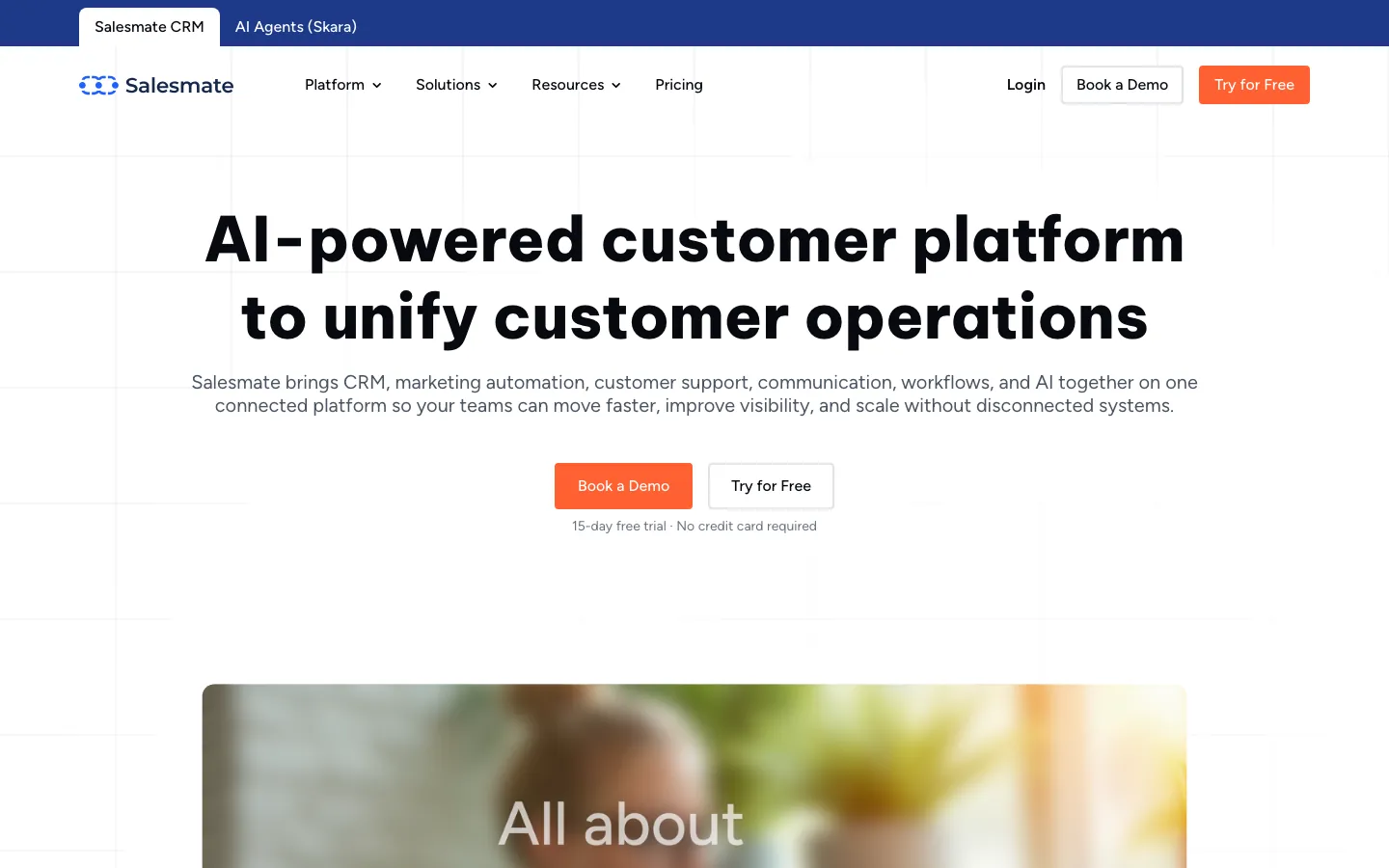
Screenshots of Salesmate 4 images
What's great
- Built-in calling and SMS on the Basic plan ($23/user/mo); no separate Twilio setup, no per-call fees for US/Canada local numbers
- Power Dialer ships in the Business tier ($63/user/mo), significantly cheaper than Close's Growth tier ($99) for the same functionality
- AI-generated email drafts and meeting summaries bundled in the Pro tier without a separate add-on purchase
Watch-outs
- 114 G2 reviews is the thinnest validation in this comparison; the product has a shorter track record than Pipedrive or HubSpot
- Enterprise plan pricing is custom with a $1,999+ onboarding fee, which eliminates the price advantage for larger deployments
- Integration ecosystem is lighter than Pipedrive or Freshsales; some common B2B connectors route through Zapier rather than native
Salesmate competes directly with Close on the built-in-calling story at a lower price point, which matters for a cost-sensitive sales team that still dials every day.
The Basic plan at $23/user/mo includes built-in phone and SMS for US/Canada without extra Twilio fees; the Business tier at $63 unlocks a Power Dialer that undercuts Close Growth ($99) by $36/user/mo.
114 G2 reviews at 4.7/5; TechRadar’s 2026 Salesmate review calls it ‘a strong Close alternative that most buyers overlook.’
The thin review count is the caution flag; Close has 2,000+ reviews validating the same claims.
Worth trialing if the Close Growth tier is price-sensitive and your team dials 20-40 calls per day.
Pricing breakdown
| Plan | Price | Best for |
|---|---|---|
| Basic | $23/user/mo | 3-15 reps with built-in calling |
| Pro | $39/user/mo | 15-30 reps |
| Business | $63/user/mo | 30-75 reps |
| Enterprise | Custom + $1 | 75+ reps |
Security & compliance
| Standard | Availability |
|---|---|
| SOC 2 Type II | Yes |
| GDPR | Yes |
| HIPAA | No |
| SSO / SAML | Business+ |
| Audit logs | Pro+ |
Salesmate compliance summary: SOC 2 Type II is yes, GDPR is yes, HIPAA is no, SSO/SAML is business+, and audit logs is pro+.
Key integrations
| Integration | Type |
|---|---|
| Gmail | Native integration |
| Outlook | Native integration |
| Slack | Native integration |
| LinkedIn Sales Navigator | Marketplace add-on |
| Outreach / Salesloft | Marketplace add-on |
Salesmate integration summary: Gmail is native integration, Outlook is native integration, Slack is native integration, LinkedIn Sales Navigator is marketplace add-on, and Outreach or Salesloft is marketplace add-on.
Feature availability
| Feature | Status |
|---|---|
| Free tier | ✗ 15-day trial |
| AI | ✓ Pro+ AI email + summaries |
| Custom objects | Pro+ |
| Dialer | ✓ all paid tiers |
| Sandbox | ✗ |
Salesmate feature availability summary: Free tier (✗ 15-day trial), AI (✓ Pro+ AI email + summaries), Custom objects (Pro+), Dialer (✓ all paid tiers), and Sandbox (✗).
What reviewers say about Salesmate
Recurring themes across ~114 G2 reviews (4.7/5) and verified Capterra reviews, 2024-2026.
What reviewers praise
- The interface keeps all contact and deal context on a single page, which reviewers credit for cutting onboarding time compared to heavier CRMs like Salesforce or Zoho.
- Built-in VoIP calling and two-way texting are included at the platform level, removing the need for a separate telephony subscription for most small sales teams.
- Price-to-feature ratio gets consistent praise, with plans starting around $29 per user per month and live chat support available on every paid tier.
- Email tracking, bulk sending, and automated follow-up reminders are called out as genuinely productivity-boosting, not just checkbox features.
- Live chat support quality receives strong marks, with multiple reviewers specifically mentioning screen-sharing assistance and fast resolution times.
What reviewers fault
- The integration marketplace is thin, roughly 46 direct connectors, so teams relying on tools outside Salesforce, Slack, or Mailchimp will hit gaps quickly.
- Advanced features like email sequences, product catalogs, and the Sandy AI assistant are all locked behind the Pro or Business tier, which pushes the real cost per seat to $49-$79 per month.
- Mobile app functionality consistently trails the web version, with several features missing entirely from the iOS and Android clients.
- Workflow automation has a real learning curve, and reviewers note that building multi-step sequences takes significant trial and error before it reliably fires.
- Support quality is uneven, with some reviewers reporting responsive live chat and others citing email tickets going unanswered or staff unable to resolve technical issues.
Loading reviews…
Copper CRM
The sales CRM that lives inside Gmail
Screenshots of Copper CRM 4 images
What's great
- Native Google Workspace sync; Gmail auto-populates contacts, reps don't manually create records
- Cleanest Chrome extension in the segment; most CRMs feel bolted onto Gmail, Copper feels designed for it
- Honest tier pricing; published prices match what teams actually pay on renewal
Watch-outs
- Less useful if your team isn't on Google Workspace; Outlook integration is meaningfully weaker
- Customization layer is shallower than HubSpot or Pipedrive
- Smaller community; fewer Stack Overflow and Reddit answers when you hit edge cases
Copper is the right call when your sales team lives in Google Workspace and Gmail is where deals actually get worked.
The auto-population of contacts from email threads kills 30-60 minutes/day of manual entry per rep, which is the data-entry tax that kills CRM adoption everywhere else.
1,157 G2 reviews average 4.5/5; the consistent praise is ‘I forget I have a CRM, it just shows up where I work.’
Capterra puts it at 4.4/5 across 622 reviews .
For Outlook shops or Microsoft 365 orgs, skip Copper; for a Google Workspace sales team, this is the lowest-friction pick in the comparison.
Pricing breakdown
| Plan | Price | Best for |
|---|---|---|
| Starter | $9/seat/mo | 1-3 reps |
| Basic | $23/seat/mo | 3-10 reps with pipeline reporting |
| Professional | $59/seat/mo | 10-25 reps |
| Business | $99/seat/mo | 25+ reps |
Security & compliance
| Standard | Availability |
|---|---|
| SOC 2 Type II | Yes |
| GDPR | Yes |
| HIPAA | No |
| SSO / SAML | Business |
| Audit logs | • limited |
Copper CRM compliance summary: SOC 2 Type II is yes, GDPR is yes, HIPAA is no, SSO/SAML is business, and audit logs is • limited.
Key integrations
| Integration | Type |
|---|---|
| Gmail | Native integration |
| Outlook | Marketplace add-on |
| Slack | Native integration |
| LinkedIn Sales Navigator | Marketplace add-on |
| Outreach / Salesloft | Marketplace add-on |
Copper CRM integration summary: Gmail is native integration, Outlook is marketplace add-on, Slack is native integration, LinkedIn Sales Navigator is marketplace add-on, and Outreach or Salesloft is marketplace add-on.
Feature availability
| Feature | Status |
|---|---|
| Free tier | ✗ 14-day trial |
| AI | • limited |
| Custom objects | • limited |
| Dialer | ✗ |
| Sandbox | • limited |
Copper CRM feature availability summary: Free tier (✗ 14-day trial), AI (• limited), Custom objects (• limited), Dialer (✗), and Sandbox (• limited).
What reviewers say about Copper CRM
Recurring themes across ~1,150 G2 reviews (4.5/5) and Capterra reviews (4.4/5), 2024-2026.
What reviewers praise
- The Google Workspace integration is the defining strength in nearly every positive review: emails, calendar events, and files sync automatically to contact and deal records without any manual logging.
- Ease of setup is a consistent theme, with small teams describing a productive CRM in days rather than weeks and citing the Chrome extension as the reason reps never have to leave Gmail to manage deals.
- The visual pipeline is praised for clarity, with drag-and-drop deal stages and a clean interface that new reps understand without formal training.
- Customer support responsiveness gets positive mentions, including a pattern of same-day replies to negative Trustpilot reviews and onboarding calls with real humans walking through report and workflow setup.
- For agencies and professional services firms, the relationship-centric contact model (shared contacts across opportunities) is cited as a better fit than the account-and-lead hierarchy of Salesforce-style CRMs.
What reviewers fault
- The Starter plan at $9/user/month is widely considered too limited for real use, and the jump to the Professional plan at $59/user/month (a 156% increase) regularly surprises buyers post-trial.
- Email automation for drip sequences is a consistent pain point, with reviewers describing the sequencing tools as basic and hard to configure compared to purpose-built outreach tools.
- Reporting requires exporting to Google Sheets or Excel for anything beyond pipeline snapshots, as the built-in reports lack the filtering flexibility and calculated fields that growing teams need.
- Email sync reliability has recurring complaints, with reviewers noting that emails occasionally attach to the wrong opportunity or fail to sync at all, requiring manual cleanup.
- The platform is explicitly designed around Google Workspace, and reviewers who switched to Microsoft 365 or mixed email environments report that the tool's core value disappears without Gmail as the anchor.
Loading reviews…
Monday Sales CRM
A board-style pipeline for cross-functional sales teams
Screenshots of Monday Sales CRM 4 images
What's great
- Visual board interface; deals look like project cards, not table rows; popular with non-sales stakeholders
- Cross-functional visibility; the same workspace runs sales, marketing campaigns, and customer onboarding
- 200+ integrations and a clean automation builder; non-technical ops can build flows
Watch-outs
- 3-seat minimum on every paid tier; expensive for solo founders or 1-2 person teams
- Reporting is shallow vs Pipedrive or HubSpot; dashboards are visual, not analytical
- The board interface gets clumsy at 500+ open deals; not the right pick for high-velocity SDR teams
Monday Sales CRM is the pick when a sales team doesn’t sit in isolation, when the same workspace runs marketing, customer onboarding, and renewal tracking on one board.
The visual board format is a hit-or-miss preference, some reps love it, others find it confusing, and the dashboards are visual rather than analytical so deep forecasting is not its strength.
4.6/5 on G2 ; the broader Monday platform sits at 18,025 G2 reviews .
For high-velocity SDR-heavy teams it’s not the right tool. For 10-30 rep teams where the same workspace touches multiple functions, it’s worth the 14-day trial.
Pricing breakdown
| Plan | Price | Best for |
|---|---|---|
| Basic | $12/user/mo | 3-10 reps with simple pipeline |
| Standard | $17/user/mo | 10-25 reps with automation |
| Pro | $28/user/mo | 25-50 reps with forecasting |
| Enterprise | Custom quote | 50+ reps |
Security & compliance
| Standard | Availability |
|---|---|
| SOC 2 Type II | Yes |
| GDPR | Yes |
| HIPAA | Enterprise |
| SSO / SAML | Enterprise |
| Audit logs | Enterprise |
Monday Sales CRM compliance summary: SOC 2 Type II is yes, GDPR is yes, HIPAA is enterprise, SSO/SAML is enterprise, and audit logs is enterprise.
Key integrations
| Integration | Type |
|---|---|
| Gmail | Native integration |
| Outlook | Native integration |
| Slack | Native integration |
| LinkedIn Sales Navigator | Marketplace add-on |
| Outreach / Salesloft | Limited |
Monday Sales CRM integration summary: Gmail is native integration, Outlook is native integration, Slack is native integration, LinkedIn Sales Navigator is marketplace add-on, and Outreach or Salesloft is limited.
Feature availability
| Feature | Status |
|---|---|
| Free tier | ✗ 14-day trial |
| AI | ✓ summarization |
| Custom objects | • limited |
| Dialer | ✗ |
| Sandbox | Pro+ |
Monday Sales CRM feature availability summary: Free tier (✗ 14-day trial), AI (✓ summarization), Custom objects (• limited), Dialer (✗), and Sandbox (Pro+).
What reviewers say about Monday Sales CRM
Recurring themes across ~1,150 G2 reviews (4.6/5) and Capterra reviews, 2024-2026.
What reviewers praise
- The visual board-based pipeline is the most praised feature, with reviewers describing the drag-and-drop deal management as fast to learn and easy to adapt to any sales workflow without technical help.
- No-code automation builder gets consistent marks for letting non-technical users set up lead routing, stage-change notifications, and follow-up reminders without writing a single line of code.
- The handoff between sales and post-sale delivery is a recurring differentiator in reviews, with teams that use monday.com for project management citing the ability to convert a won deal into a project board as uniquely valuable.
- Integration breadth with Gmail, Slack, and tools like QuickBooks is frequently cited, and the native app marketplace is described as wide enough that most teams can avoid custom integration work.
- Templates for common sales workflows let new teams get a working CRM up and running quickly, with reviewers noting that the starting boards are practical rather than just placeholder examples.
What reviewers fault
- The three-seat minimum is a consistent frustration for solo operators and two-person teams who describe paying for unused seats as an arbitrary barrier with no workaround.
- Email functionality is a recurring complaint, with reviewers calling the native email composer clunky and noting that writing outbound emails inside monday CRM requires awkward workarounds compared to tools with native inbox integration.
- Automation limits are strictly plan-gated: the Basic plan has no automations, Standard allows only 250 actions per month, and teams with active pipelines say 250 runs out within days on any real sales motion.
- Sales forecasting and pipeline analytics are flagged as shallow compared to dedicated CRM tools, with advanced dashboards locked to the Pro plan and even those described as less flexible than Salesforce or HubSpot reporting.
- Unexpected price increases have appeared in multiple reviews, with users on legacy plans reporting that renewals came in higher than the rate at signup without clear advance notice.
Loading reviews…
Salesflare
Auto-fills the CRM so reps actually adopt it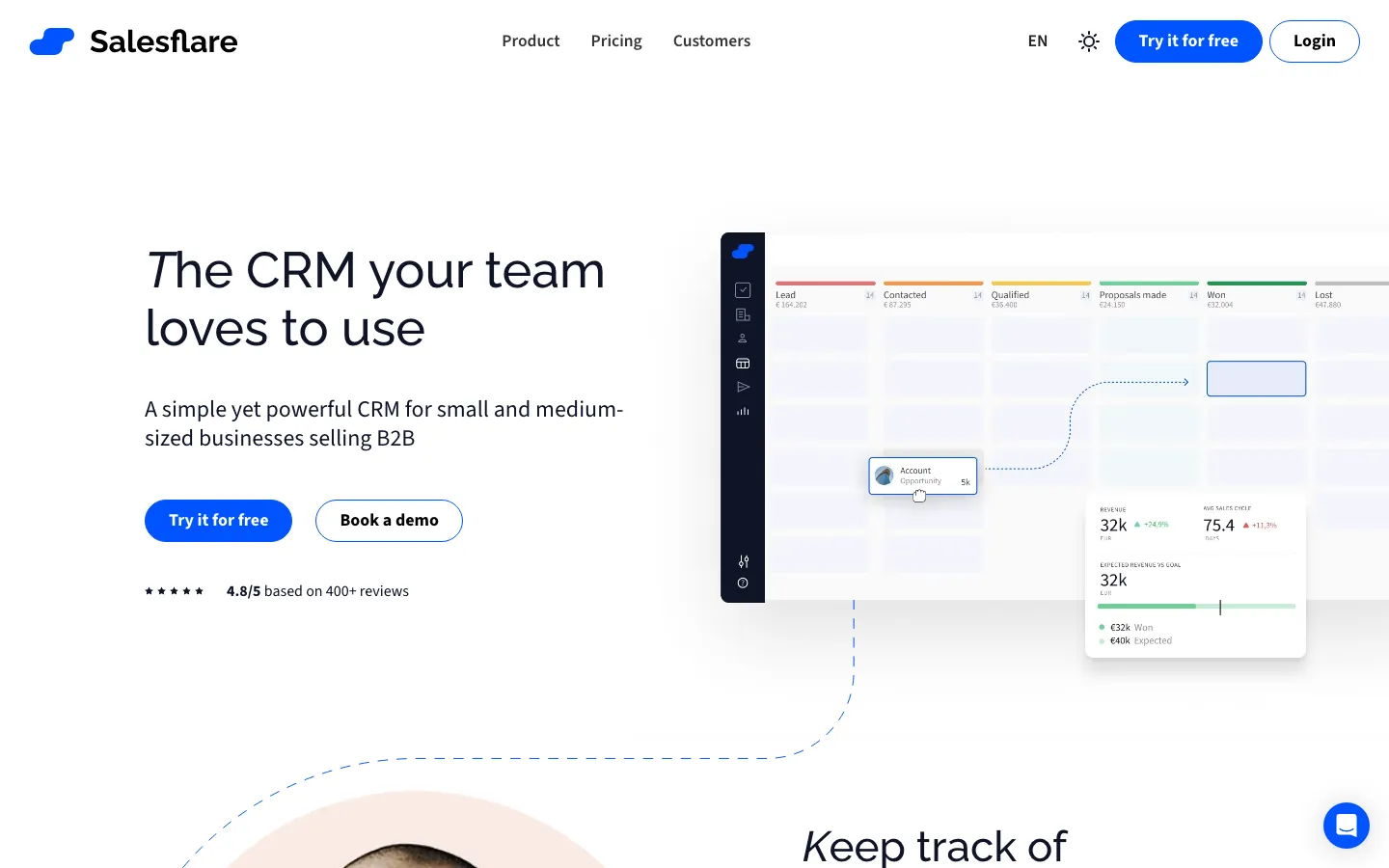
Screenshots of Salesflare 4 images
What's great
- Auto-populates contact records from email signatures, LinkedIn, and company websites; G2 reviewers report 40% less CRM admin time
- LinkedIn sidebar pulls job title, company, and email instantly when visiting a prospect profile; no manual copy-paste
- 4.8/5 on G2 from 304 reviews with 85% five-star ratings, the highest raw G2 score in this extended comparison
Watch-outs
- No native dialer; no multi-channel sequences; if your team runs cold calls alongside email, you'll need a second tool
- Built-in email finder gives just 5 lead credits/mo on Growth; even Pro's 100 credits runs out fast for active SDR teams
- Limited reporting depth; custom dashboards only unlock on Pro ($49/user/mo), and even then they're lighter than HubSpot's
Salesflare is built for 3-15 rep B2B teams that run a relationship-driven motion and are sick of logging every touchpoint manually.
The tool watches your email, calendar, and LinkedIn, then fills in the CRM without your reps touching it, which is the single most reliable way to fix the rep-adoption problem every sales manager fights.
4.8/5 across 298 G2 reviews , the highest score in the CRM category.
Salesflare’s own CRM comparison puts the contrast clearly against Pipedrive and HubSpot.
The ceiling is real: no native dialer, no heavy ABM tooling.
It’s a great fit for founder-led sales, agency new business, and consultancies; a poor fit for an outbound SDR team running 80 calls a day.
Pricing breakdown
| Plan | Price | Best for |
|---|---|---|
| Growth | $29/user/mo | 3-10 reps |
| Pro | $49/user/mo | 10-25 reps |
| Enterprise | $99/user/mo | 25+ reps |
| 30-day trial | Free | Full feature trial |
Security & compliance
| Standard | Availability |
|---|---|
| SOC 2 Type II | Yes |
| GDPR | Yes |
| HIPAA | No |
| SSO / SAML | Enterprise |
| Audit logs | Pro+ |
Salesflare compliance summary: SOC 2 Type II is yes, GDPR is yes, HIPAA is no, SSO/SAML is enterprise, and audit logs is pro+.
Key integrations
| Integration | Type |
|---|---|
| Gmail | Native integration |
| Outlook | Native integration |
| Slack | Native integration |
| LinkedIn Sales Navigator | Native integration |
| Outreach / Salesloft | Marketplace add-on |
Salesflare integration summary: Gmail is native integration, Outlook is native integration, Slack is native integration, LinkedIn Sales Navigator is native integration, and Outreach or Salesloft is marketplace add-on.
Feature availability
| Feature | Status |
|---|---|
| Free tier | ✗ 30-day trial |
| AI | ✓ auto-enrichment |
| Custom objects | • limited |
| Dialer | ✗ |
| Sandbox | ✗ |
Salesflare feature availability summary: Free tier (✗ 30-day trial), AI (✓ auto-enrichment), Custom objects (• limited), Dialer (✗), and Sandbox (✗).
What reviewers say about Salesflare
Recurring themes across ~298 G2 reviews (4.8/5) and Capterra reviews (4.7/5, 139 reviews), and crm.org/Breakcold analysis, 2024-2026.
What reviewers praise
- Automatic contact and company enrichment is the most praised feature by volume: the CRM fills itself in from email and calendar activity so reps spend almost no time on manual data entry.
- The LinkedIn browser extension, which shows whether a person already exists in your CRM and lets you add them with one click, gets repeated call-outs from B2B sales teams.
- Email tracking and the conversation timeline are consistently cited as genuinely useful, giving reps full context on a thread without digging through a shared inbox.
- Customer support responsiveness earns some of the strongest marks of any CRM in this tier, with multiple reviewers noting that product feedback has actually been acted on.
- Value for money at the Growth tier comes up again and again, with reviewers calling it fairly priced relative to the time it saves on admin work.
What reviewers fault
- No free tier exists, and even the entry-level plan costs $35 per user per month, which stings for solo operators or very early-stage teams weighing it against free alternatives.
- The platform is built around company-first B2B workflows, so reviewers doing B2C or managing individual consumers hit mandatory company-name fields and data enrichment that does not fit their model.
- Email workflow builder, custom dashboards, and user permissions are all gated behind the Pro or Enterprise tier, making the base plan feel limited for teams that need more control.
- No native phone dialer is a consistent gap for outbound-heavy teams; getting calling into the workflow requires a third-party integration and adds cost.
- Customization ceiling is lower than competitors: reviewers who want highly tailored pipeline stages, complex field logic, or white-label reporting find Salesflare runs out of flexibility before they do.
Loading reviews…
More top-rated Sales CRM worth checking out
Highly rated Sales CRM that didn't crack our top 10 but are still strong contenders, especially for specific use cases and team sizes.
Nutshell
Full-featured sales CRM with unlimited data
Standout: Every plan includes unlimited contacts, unlimited data storage, and live human support at no extra cost
What reviewers say ★ 4.3 · 1,427
Praised
- Ease of use leads all praise categories by volume (379 G2 mentions): the pipeline view is visual and immediately actionable, and reviewers say a full setup takes under a day for most teams.
- Free live human support on every plan without a paid upgrade requirement is called out as a genuine differentiator, particularly by teams who had to pay for support on HubSpot or Zoho.
- Unlimited contacts and storage across all tiers removes a common growth ceiling that users on competing tools hit and resent paying to unlock.
- AI features including call transcription, video notetaker integration, and a native MCP server for ChatGPT and Claude add-ons are praised as useful capabilities at a mid-market price.
- Free data migration and onboarding assistance is repeatedly mentioned as reducing the switching cost, especially for teams moving off spreadsheets or a legacy CRM.
Faulted
- Reporting is the top complaint by review volume (145+ mentions): filtering and customization options in the report builder are thin, and pulling decision-quality data often requires exporting to a spreadsheet.
- Duplicate contacts accumulate over time and the deduplication tools are manual, creating data hygiene work that grows proportionally with team size.
- The mobile app lacks push notifications and integrated calling, which limits usefulness for field sales reps who rely on their phone between desk sessions.
- Workflow customization hits a ceiling that frustrates power users: complex multi-stage sequences, conditional branching, and territory management are not available at most tiers.
- English-only interface and support locks out international or multilingual teams, a gap that reviewers from Europe and Latin America note explicitly.
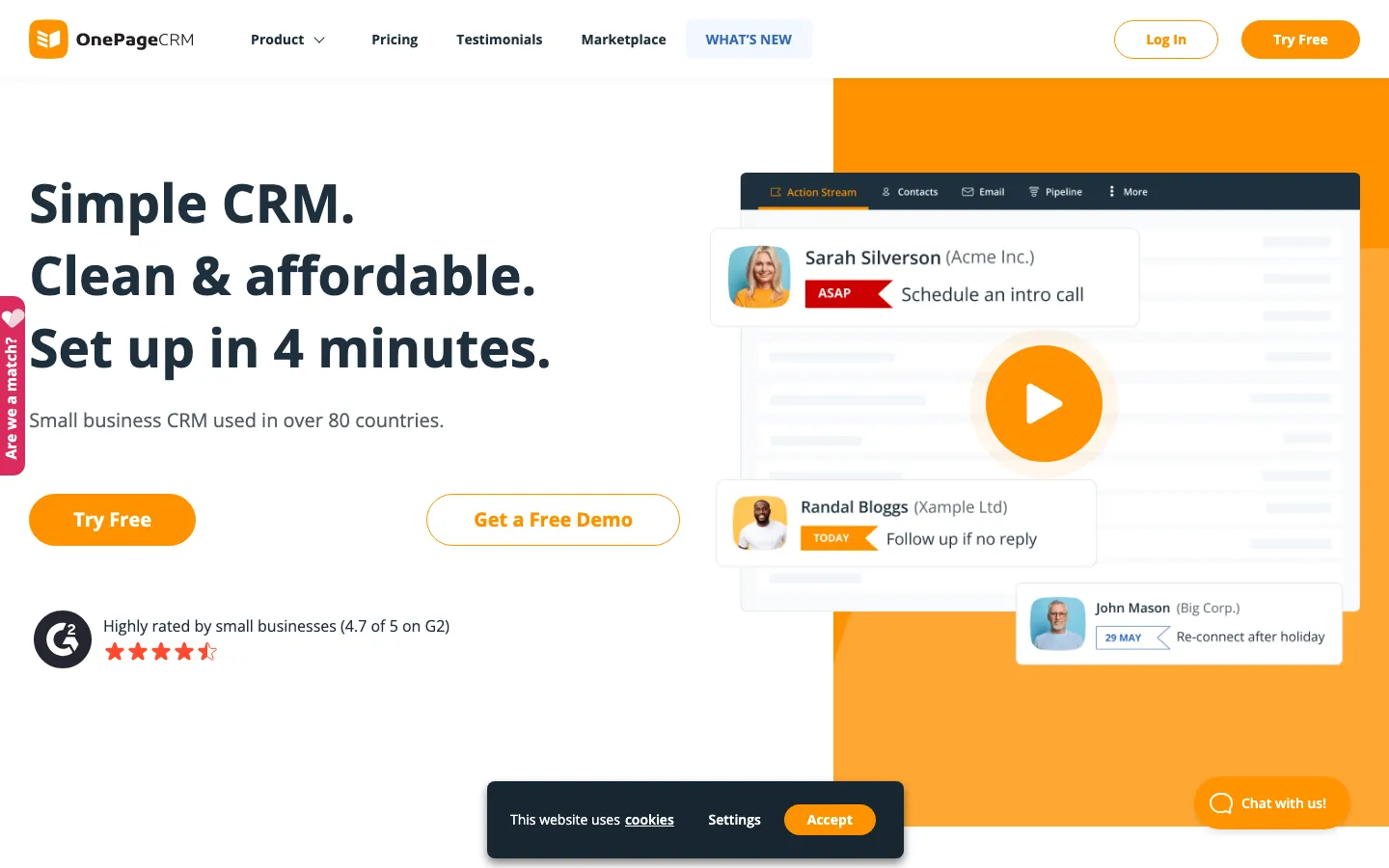
OnePageCRM
Turns the pipeline into a next-action to-do list
Standout: Action Stream model forces a next action on every contact; reps never have a "cold" contact sitting in the CRM without a follow-up date
What reviewers say ★ 4.7 · 259
Praised
- The 'Next Action' system is the most-cited differentiator: every contact requires a scheduled follow-up step, so leads almost never fall through the cracks the way they do in a standard list-view CRM.
- Reviewers consistently call the interface the simplest in the small-team CRM category, with new users productive in a day or two and zero configuration required to start tracking deals.
- Customer support is praised for feeling like a dedicated IT team for small businesses, with fast responses and a willingness to walk users through setup problems one-on-one.
- The mobile app gets positive marks for on-the-go contact management and automatic call logging, which most small-team CRMs do poorly.
- Affordability comes up repeatedly, with reviewers noting the per-user cost is well below Salesforce or HubSpot for teams that just need clean pipeline and follow-up tracking.
Faulted
- Search across large contact databases is weak, and users managing thousands of records report it becomes slow and imprecise as the database grows.
- Email sync is unreliable for some users, requiring BCC workarounds to reliably capture correspondence rather than native two-way sync.
- Mass email and bulk outreach capabilities are absent, meaning the tool does not work as a standalone email campaign platform without connecting a separate tool.
- Associating one contact with multiple companies is clunky or unsupported, which frustrates users in consulting or agency contexts where contacts wear multiple hats.
- Reporting and analytics are basic, and reviewers who need pipeline forecasting, team performance dashboards, or activity metrics consistently say they have to export to spreadsheets.
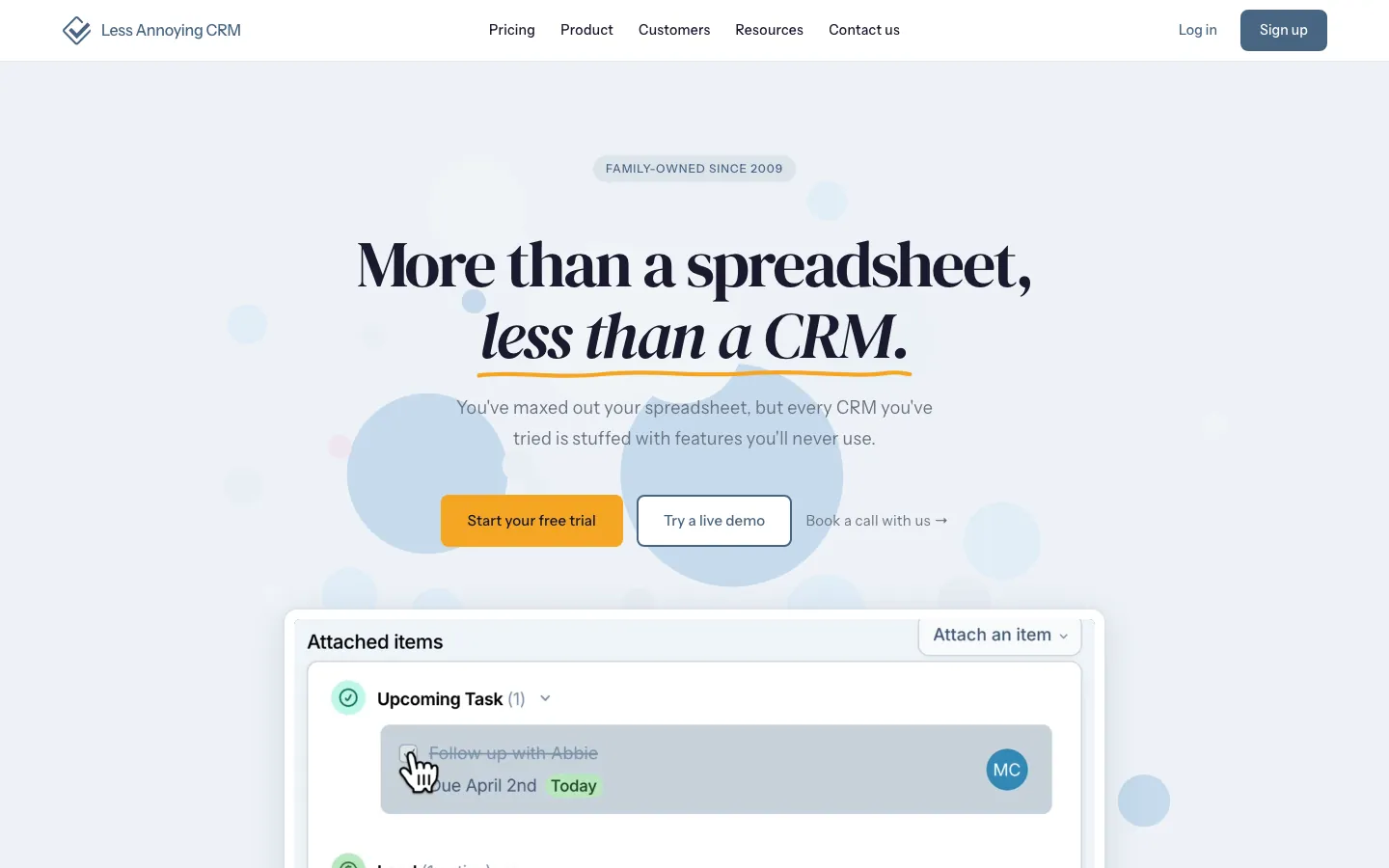
Less Annoying CRM
Flat $15, every feature, for a small sales team
Standout: Single price, $15/user/mo, no tiers, no contracts, no feature gates; every user gets everything
What reviewers say ★ 4.9 · 662
Praised
- Ease of use is the single most consistent theme across all platforms: non-technical staff report being fully operational within hours, with no training sessions or admin setup required.
- Human customer support with same-day response times is cited in a disproportionate share of positive reviews, with users specifically contrasting it against the bot-first support they got from larger CRMs.
- Flat pricing at $15 per user per month with no hidden tiers, no annual lock-in, and no onboarding fees is praised constantly, especially by teams burned by HubSpot or Salesforce upgrade surprises.
- The contact and pipeline workspace stays clean and uncluttered, which reviewers say makes daily use fast even for team members who resist adopting new software.
- Small business owners frequently mention that it replaced a messy spreadsheet setup without forcing them to learn CRM theory or hire a consultant to configure it.
Faulted
- Integration coverage is the most repeated criticism: native connections for QuickBooks, FreshBooks, Trello, and several other small-business staples are absent, requiring manual data transfer.
- MailChimp integration specifically is flagged as unreliable by multiple reviewers, with sync errors that require workarounds and manual list management.
- There is no native mobile app, only a mobile-optimized web view, which frustrates field sales and service teams who need quick offline access to contacts.
- Reporting stays basic: no revenue forecasting, no funnel-stage conversion rates, and no custom report builder, which teams feel as a ceiling once they pass 50 active deals.
- Automation is essentially absent: the platform tracks contacts and tasks well but does not send sequences, trigger follow-ups, or run any workflow logic without a third-party connector.
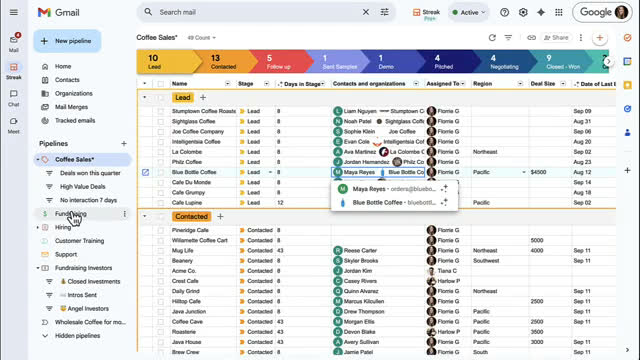
Streak CRM
A sales pipeline that lives inside Gmail
Standout: CRM lives entirely inside Gmail as a Chrome extension; zero context-switching, deals show up as inbox rows
What reviewers say ★ 4.5 · 265
Praised
- Living inside Gmail is the defining advantage and the most praised attribute: pipelines, contact records, and deal data appear in a sidebar without any context switching or tab management.
- The free email power tools including read receipts, mail merge (50 per day), thread splitting, and snippet shortcuts are available even on lower tiers and are praised as genuinely useful.
- Unlimited records on every paid plan means growing teams do not hit a contact or deal cap that triggers an upgrade conversation mid-year.
- The AI Co-Pilot feature, which populates deal fields by reading email thread content, is consistently called out as a real time-saver for teams managing high inbox volume.
- For solo operators and very small teams doing email-centric relationship management, reviewers say the setup is near-instant and the daily friction is essentially zero.
Faulted
- The platform is hard-locked to Google Workspace: a single team member on Outlook or Safari makes Streak impractical, and there is no meaningful mobile experience outside Chrome on Android.
- Removing the free CRM tier and the Solo plan pushed entry-level pricing to $49 per month, which triggered a wave of Reddit complaints from users who felt they lost access to a tool they had built into their workflow.
- Email open-tracking counts inflate when tracked pixels are forwarded or copied into signatures, making engagement metrics unreliable, a known limitation the support team acknowledges.
- Automation stays basic: Streak can create tasks, update box fields, and send notifications, but cannot run the kind of multi-step conditional sequences that a dedicated sales automation tool handles.
- Scaling past 10 to 15 users surfaces hard limits: role-based permissions are Enterprise-only, there is no global activity feed, and teams have reported reps emailing the same prospect with no collision detection.
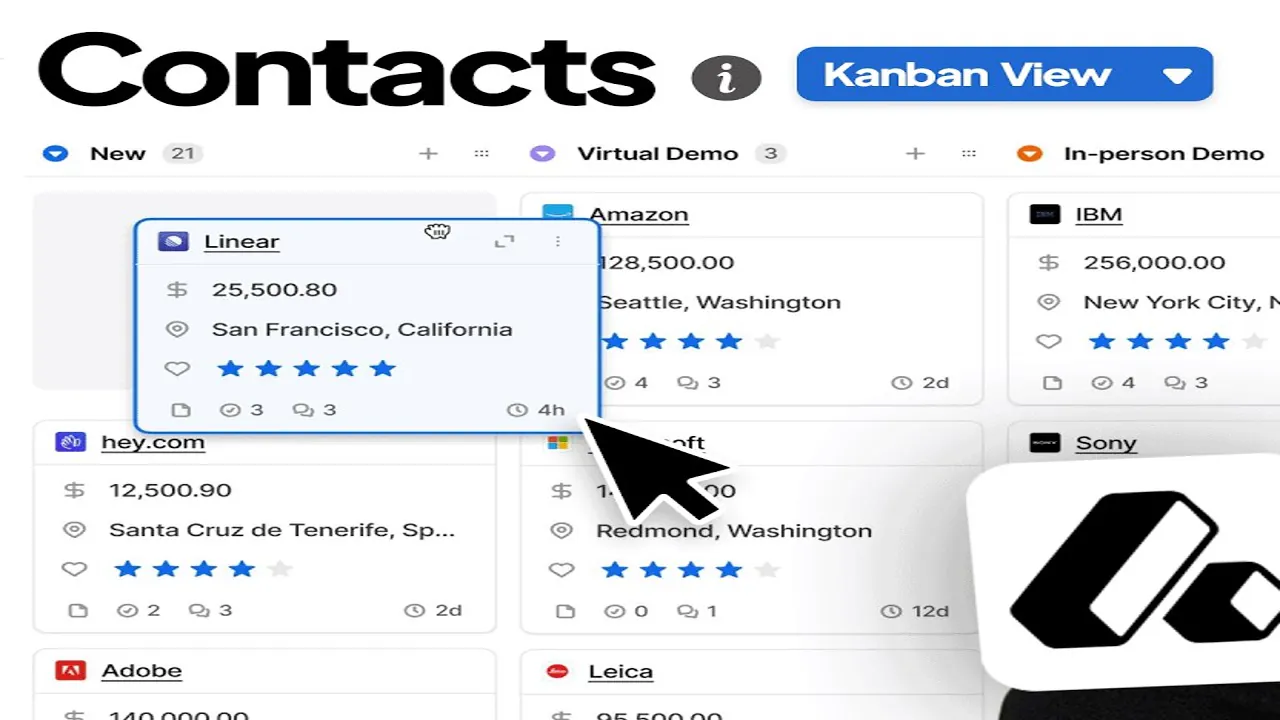
Attio
For sales teams with a non-standard data model
Standout: Most flexible data model in the category; you can define any object type (Investors, Partners, Portfolio Co) without a developer
What reviewers say ★ 4.3 · 448
Praised
- The relational data model is the top-cited strength: teams build custom objects and relationship hierarchies that match how their business actually works, not how a legacy CRM expects it to work.
- The Notion-style interface draws consistent praise for looking modern and loading fast, with new team members up to speed in hours rather than days.
- Continuous automatic data enrichment keeps contact and company records current without manual CSV uploads or scheduled re-imports.
- Native AI attributes and workflow steps are embedded at the data layer, not bolted on as an afterthought, which reviewers single out as a meaningful difference from older platforms.
- A genuinely usable free tier for up to 3 seats and transparent per-user pricing on paid plans avoids the hidden enterprise-tier lock-in that frustrates buyers on competing tools.
Faulted
- Native connector coverage is patchy: teams running ERPs, databases, or niche SaaS tools regularly hit gaps and end up writing custom API code or routing through Zapier.
- Paid plans are annual-only with no month-to-month option, which is a recurring friction point for startups that want to try before committing a year of budget.
- Reporting is consistently flagged as underpowered: built-in sales metrics for pipeline velocity, forecast accuracy, and rep activity are missing or require workarounds.
- Setting up a non-standard data structure demands upfront planning, and poorly designed object relationships become hard to untangle once real data is in.
- The app marketplace is much smaller than HubSpot or Salesforce, so teams with existing niche tooling often find no native integration exists and must build their own.
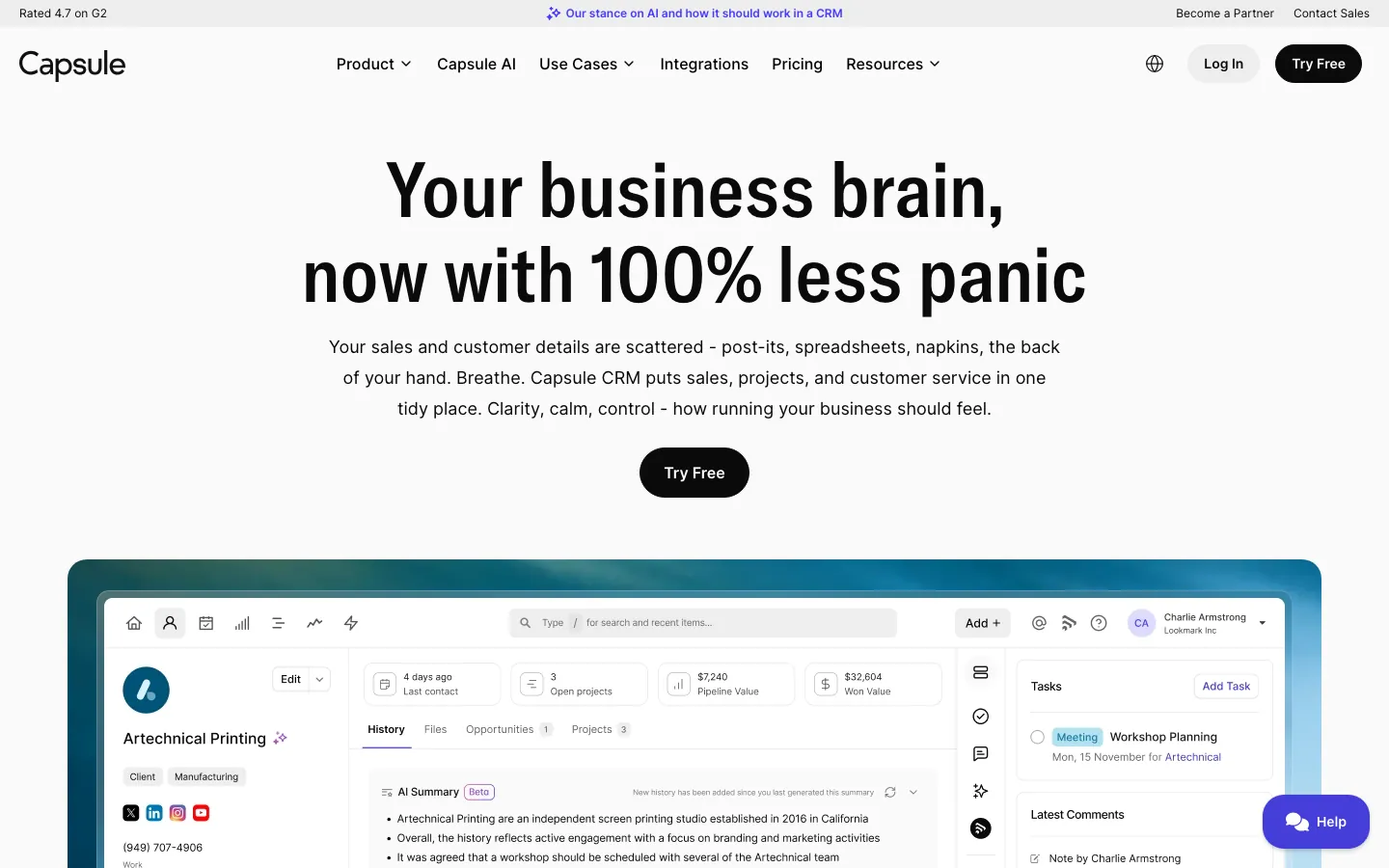
Capsule CRM
A clean sales CRM for relationship-led teams
Standout: Clean, minimal UI with a shallow learning curve; 85% of G2 reviews are five-star, 13% four-star, essentially zero negatives
What reviewers say ★ 4.7 · 491
Praised
- The clean, uncluttered interface is the top-cited strength, with reviewers consistently saying it strikes the right balance between having enough features and not overwhelming users.
- Contact and organization management gets strong marks for replacing spreadsheet chaos: teams say centralizing emails, notes, and tasks on a single contact record is where Capsule earns its keep.
- Google Workspace integration is praised as tight and reliable, with Gmail, Google Calendar, and Google Contacts all working without friction for teams already in that ecosystem.
- Competitive entry-level pricing and a functional free plan for up to 2 users make it a low-risk starting point for micro-businesses and freelancers.
- The Projects feature, which lets teams run basic task-board workflows inside the CRM, gets repeated mentions as a useful way to manage post-sale or service delivery work.
Faulted
- No two-way email sync on any plan is the most consistent friction point: users must BCC a dropbox address to log emails, which breaks down in practice and misses inbound replies.
- Email sequences and bulk campaigns require the separate Transpond add-on or a Mailchimp connection, making email marketing a bolt-on cost rather than a native capability.
- No phone or live chat support on any tier frustrates buyers who encounter setup issues, as all help goes through email tickets with no guaranteed response time.
- Reporting is minimal on lower plans, and the advanced analytics reviewers want, such as pipeline conversion rates and rep activity breakdowns, require upgrading past the entry tiers.
- The AI tooling feels underpowered compared to 2025-era competitors: reviewers note that Capsule lacks the AI-assisted data entry, deal summaries, and enrichment that are becoming standard elsewhere.
Tools we considered but excluded
We evaluated more tools than the 16 you see above. These did not make the cut. Saying what we rejected, and why, is the editorial muscle most listicles skip.
- Microsoft Dynamics 365 Sales: $65/user/mo before add-ons and built for Microsoft Enterprise-Agreement shops; the EA discount math is the only reason teams pick it, so it is the wrong starting point for a standalone sales CRM evaluation
- NetSuite CRM: Starts around $999/mo platform plus $129/user; it is the CRM module bolted onto an ERP suite, not a focused sales CRM you would buy on its own
- GoHighLevel: $97/mo flat and built for agencies reselling white-label CRM to their own clients; it is an agency operating system, not a CRM for running your own sales team
- EngageBay: A marketing-led all-in-one (CRM plus email plus helpdesk) priced on contact count; capable, but the center of gravity is marketing automation rather than a focused sales pipeline
Honorable mentions
Solid tools that did not crack the main list but are worth tracking, especially for niche use cases.
- Salesloft: A sales-engagement layer for cadences, dialing, and conversation intelligence that sits on top of a CRM rather than replacing it; pair it with Salesforce or HubSpot when your SDR motion outgrows the CRM's native sequencing
- Outreach: The other enterprise sales-engagement platform; deep sequence and analytics tooling for large outbound teams, but it is a layer over your CRM, not a system of record on its own
- Apollo.io: Prospecting database plus light CRM and sequencing in one tool; a fit for early outbound teams that want data and outreach together, though most graduate to a dedicated CRM as the pipeline grows
What counts as a sales CRM
Plenty of “best CRM” lists rank tools built for marketing teams, support teams, or general contact management. A sales CRM is the narrower thing: the system a rep opens to work a pipeline, log activity, and a manager opens to call a forecast.
This guide scores 16 of the 20 CRMs from our full 20-tool CRM test on exactly that, the sales-team job, not the all-in-one marketing pitch.
The tools split into four practical buckets for a sales team. Most teams pick from one.
Core pipeline CRMs. The system of record for deals and forecasts. HubSpot Sales Hub, Salesforce Sales Cloud, Pipedrive, Zoho CRM, and Monday Sales CRM all do this job, with reporting depth running from light (Pipedrive) to enterprise-grade (Salesforce).
Outbound-specialized CRMs. Built around dialing and cadences for teams that run cold outreach. Close and Salesmate ship a native dialer and SMS so reps never tab out to a second tool.
AI-bundled CRMs. AI scoring and next-best-action included at the sales tier instead of as a $50/seat add-on. Freshsales (Freddy) and Zoho (Zia) lead here, with Salesforce Einstein and HubSpot Breeze sitting behind higher tiers.
Google-native CRMs. Live inside Gmail and auto-fill records from email, which fixes the rep-adoption problem at the source. Copper and Streak are the picks if your sales team runs entirely on Google Workspace.
What to test in a sales CRM trial
A demo always looks great. The trial is where a CRM either earns rep adoption or becomes the tool nobody updates. Eight things to run before you sign anything.
If you also have to justify the spend to a CFO or a VP of Sales, the companion guide to evaluating CRM software has the cost math and a free downloadable scorecard.
One, import your real leads on day one. Use your actual list, not the sample data. Run the full import with your real fields and watch for dedupe problems. If a 500-lead import takes a support ticket, the daily experience will be worse.
Two, count the clicks to work one deal. Take a real lead, qualify it, log a call, send an email, advance it through three stages, and close it.
The gap between a good and a bad sales CRM is often 12 clicks versus 28 across that lifecycle, and your reps feel it every single day. High click counts are the number-one reason reps stop logging activity.
Three, check forecasting calibration. Pull a forecast view and sit with two managers. Does the CRM let you weight by stage, override a number, and see slippage week over week?
Pipedrive and Less Annoying CRM stay light here; Salesforce and HubSpot Pro go deep. Buy the depth your forecast actually needs, not more.
Four, run the dialer if the tool has one. For an outbound team, make 20 real calls inside the trial. Test the Power Dialer, local-number presence, call recording, and whether the call logs itself on the deal automatically.
Close and Salesmate are the two here that ship this natively.
Five, use the mobile app for a week. Field reps and AEs run between meetings on a phone. Pipedrive’s mobile is among the strongest in this group; Zoho’s is the weakest. If reps can’t update a deal from the parking lot, the CRM goes stale.
Six, export everything to CSV. Pull every contact, deal, and note into a spreadsheet. If that needs a support ticket, your pipeline data isn’t really yours. Walk away from any tool that fails this.
Seven, get renewal pricing in writing. Ask what the plan above costs, what triggers the jump, and what year-two renewal looks like. HubSpot’s jump to Pro for sequences and Salesforce’s climb from Starter to Pro are the classic sales-CRM surprises.
Get the number on paper before you sign.
Eight, call two current customers at your size and motion. Ask a vendor for references running the same team size and the same inbound or outbound motion you do. Ask them what broke, what the real bill came to, and whether reps actually adopted it.
Five minutes on the phone beats fifty G2 reviews.
How to choose: five questions for a sales team
Work through them in sequence and the 16 sales CRMs on this list narrow to a short two- or three-tool shortlist.
1. Reps using it in 12 months
- 1-5 reps. Pipedrive ($14), Freshsales ($9 with AI), Close Solo ($9), or Less Annoying CRM ($15). Don’t buy enterprise tooling you won’t staff.
- 5-30 reps. HubSpot Starter, Pipedrive Professional, Zoho Standard, or Close for outbound. This is the band where sequences and light automation start paying back.
- 30-100 reps. HubSpot Pro or Zoho Professional for structure and reporting. Forecasting depth starts to matter more than onboarding speed.
- 100+ reps. Salesforce Sales Cloud or HubSpot Enterprise. You’re buying for territory management, multi-stage forecasting, and governance.
2. Inbound or outbound motion
If reps work inbound leads and demos, HubSpot, Pipedrive, or Zoho keep the pipeline clean without a dialer you won’t use.
If reps run cold outbound and the day is measured in dials, Close and Salesmate ship the dialer, SMS, and cadences natively so you skip a second tool. Buying a calling-heavy CRM for an inbound team is paying for seats nobody dials from.
3. Sales-only, or marketing in the same tool
If you only need to track deals and forecast, Pipedrive, Close, and Salesforce are cleaner and more focused. If you want email marketing, forms, and a CRM under one login, HubSpot and Zoho are the all-in-one picks.
For a sales team that wants a marketing-led all-in-one, our small-business CRM guide covers EngageBay and the cheaper all-in-one options in depth.
4. Google, Microsoft, or Zoho ecosystem
Google Workspace shops get the most from Copper or Streak, both auto-populate contacts from Gmail. Microsoft 365 shops should weigh Dynamics for the Enterprise-Agreement discount, though every other tool here handles Outlook fine.
If you already run Zoho One, Zoho CRM’s integration savings outweigh its dated UX. Don’t fight your stack.
5. Implementation you can tolerate
If the answer is “reps need to be selling next week,” Pipedrive, Close, and Freshsales go live in days. If you can fund an admin and a 4-to-6-month rollout, Salesforce rewards the investment with depth nothing else matches.
Picking Salesforce without staffing the admin is the most common way a sales-CRM purchase fails.
What’s changed in sales CRM for 2026
AI is now bundled at the sales tier. Zoho ships Zia at the $14 Standard tier and Freshsales ships Freddy at $9, instead of the $50-per-seat add-on model that Salesforce Einstein still uses.
Deal scoring and next-best-action no longer require an enterprise contract.
Dialers are consolidating into the CRM. Through 2025 most teams ran a separate dialer alongside the CRM.
Close and Salesmate now ship a native Power Dialer, SMS, and cadences on one screen, and for a sub-30-rep outbound team that collapses two subscriptions into one.
Salesforce Agentforce is more pitch than payoff. Salesforce rebranded its marketplace to AgentExchange and pushed Agentforce hard in 2026, but Salesforce Ben’s own coverage reports 50% of practitioners still call it “hype, not delivery.”
The forecasting and customization remain the real reason to buy Salesforce; the agents are not there yet for most teams.
Platform consolidation is reshaping the shortlist. All-in-one suites keep absorbing point tools, and the meaningful 2026 question for a sales team is whether the CRM’s native sequencing and dialing are now good enough to skip a separate sales-engagement layer.
For most teams under 30 reps, the answer is yes.
Final pick by sales-team profile
- Sales team under 200 reps, inbound-led: HubSpot Sales Hub. Best workspace, highest rep adoption, clean path to add marketing later.
- Enterprise org, 200+ reps: Salesforce Sales Cloud. Unmatched forecasting and customization, budget for the admin.
- Pure sales team that wants a clean pipeline fast: Pipedrive. Reps active by day three, honest pricing, no free tier.
- Outbound team that lives on the phone: Close, or Salesmate for the same calling at a lower price.
- Budget-conscious team that wants AI: Freshsales. Freddy included at $9, free for 3 users.
- Already paying and wants the most features per dollar: Zoho CRM. Best value once you need real forecasting.
- Runs entirely on Gmail and Google Workspace: Copper, or Streak if reps never want to leave the inbox.
- Cross-functional team running sales plus onboarding on one board: Monday Sales CRM. Worth the trial above three seats.
- Relationship-led team sick of CRM data entry: Salesflare. Auto-enrichment fixes rep adoption at the source.
If two or three tools are still standing after this, run their trials side by side with the same rep on each, and decide on day 10 by click-count, forecast depth, and whether reps actually logged activity, not by the demo.
For a marketing-led or all-in-one CRM, see our small-business CRM guide ; for the full 20-tool test with every tool reviewed, see the main CRM software guide .
For corrections or to flag a pricing change, email hello@topickz.com .
We re-test the full shortlist every six months; the next refresh ships in November 2026.
Frequently asked questions
What is the best sales CRM in 2026?
What is the cheapest sales CRM?
What is the difference between a sales CRM and a regular CRM?
What is the best sales CRM for a small team?
HubSpot or Salesforce for a sales team?
Do I need a sales CRM or a sales-engagement tool?
Which sales CRM has the best built-in dialer?
Related helpful reads
Write a review
Posts to the page right away. Keep it real — no links or email addresses.